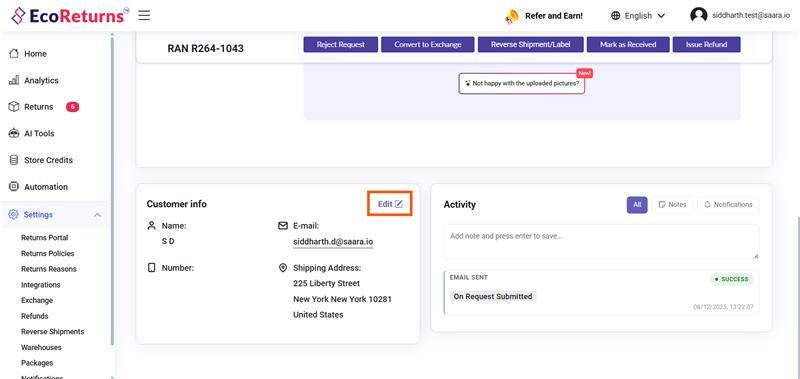
1. Open the request for which customer information needs to be updated.

2. Select the edit icon.
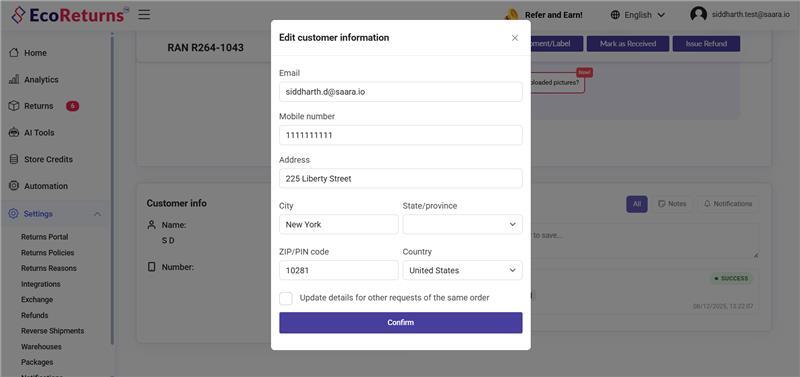
3. A popup will appear. Modify the required customer details in this popup.
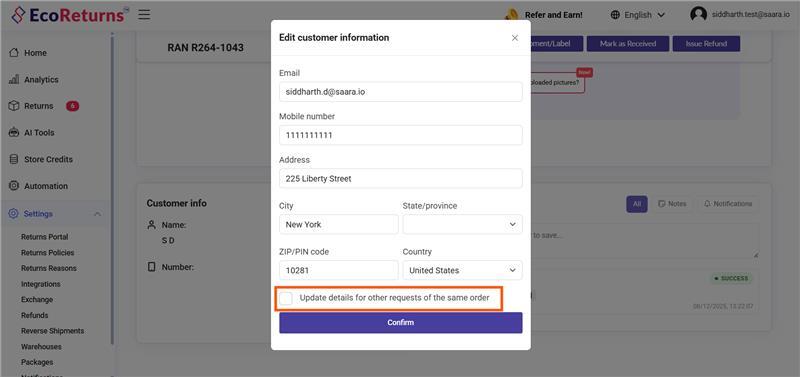
4. Enable the checkbox if the updated information should be applied to all requests submitted for the same order.
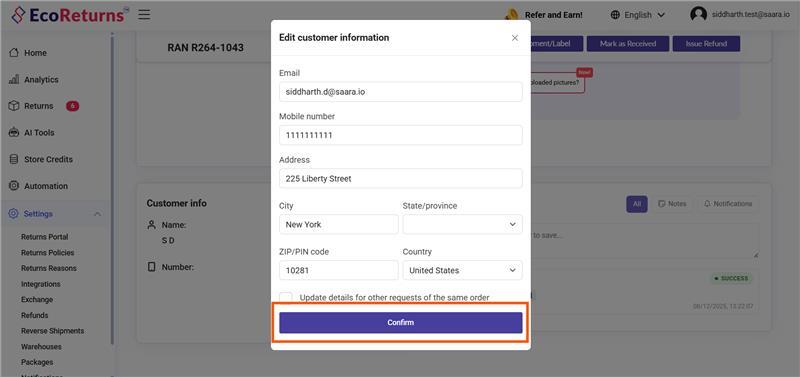
5. Select Continue to save the updates.