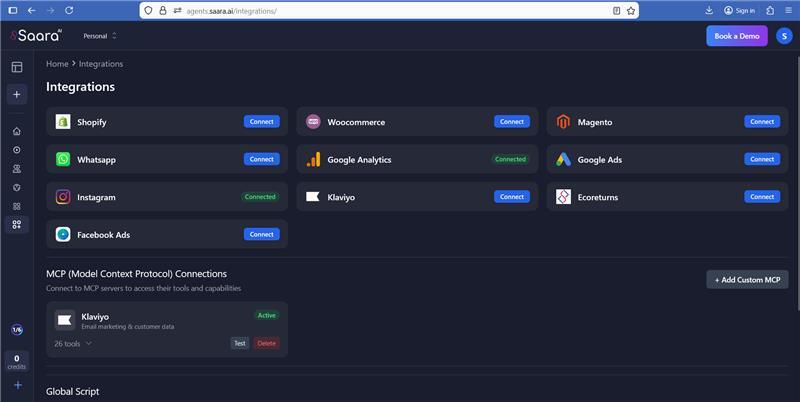
1. Go to "Integrations" page in SaaraAI. You will see "Klaviyo" under MCP Connections
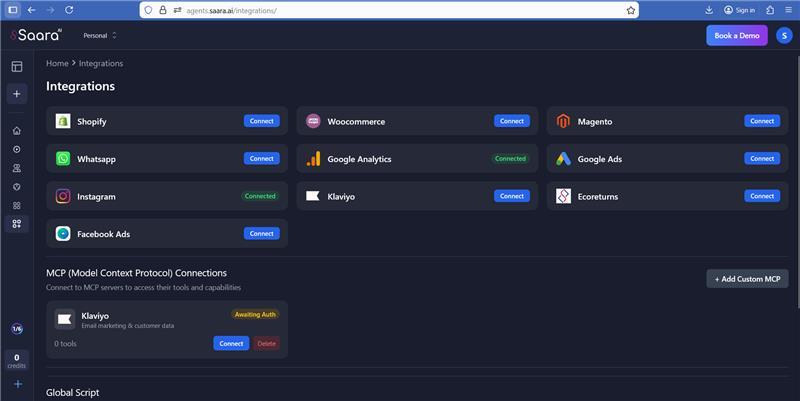
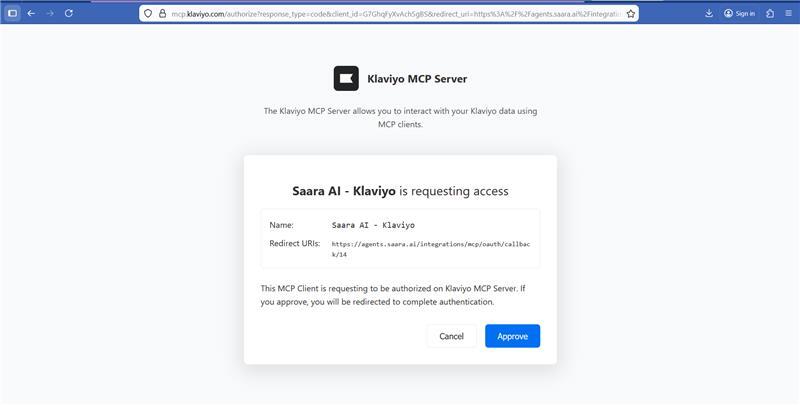
2. Click on "Connect" button - after which you will be redirected to an approval page
3. Click on "Approve" button
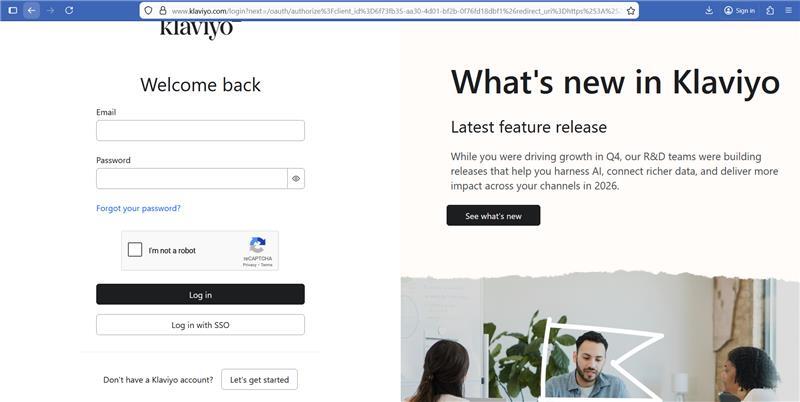
4. If you are not logged in to your Klaviyo account, you will be redirected to klaviyo login page first before proceeding with the connection.
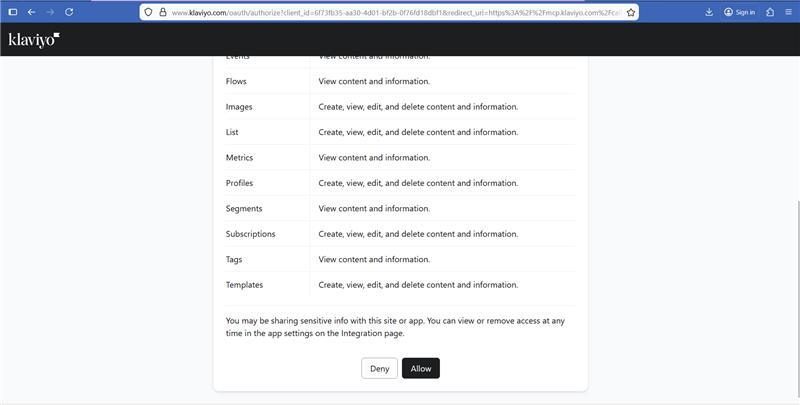
5. You will then be shown a list of all scopes that Klaviyo MCP connection requires. Click on "Allow" button
6. Congratulations! Your Klaviyo MCP connection has been successfully completed. You can now use all the tools provided by Klaviyo MCP in your chat